FILE SETUP
We're committed to making your project look its best. Sending high-resolution files and bleed when needed helps ensure a clean, professional finish. Artwork modifications, including logo vectorization and bleed setup, may result in additional costs. Please review the file requirements below, if you have any questions reach out to our graphics department.

BLEED
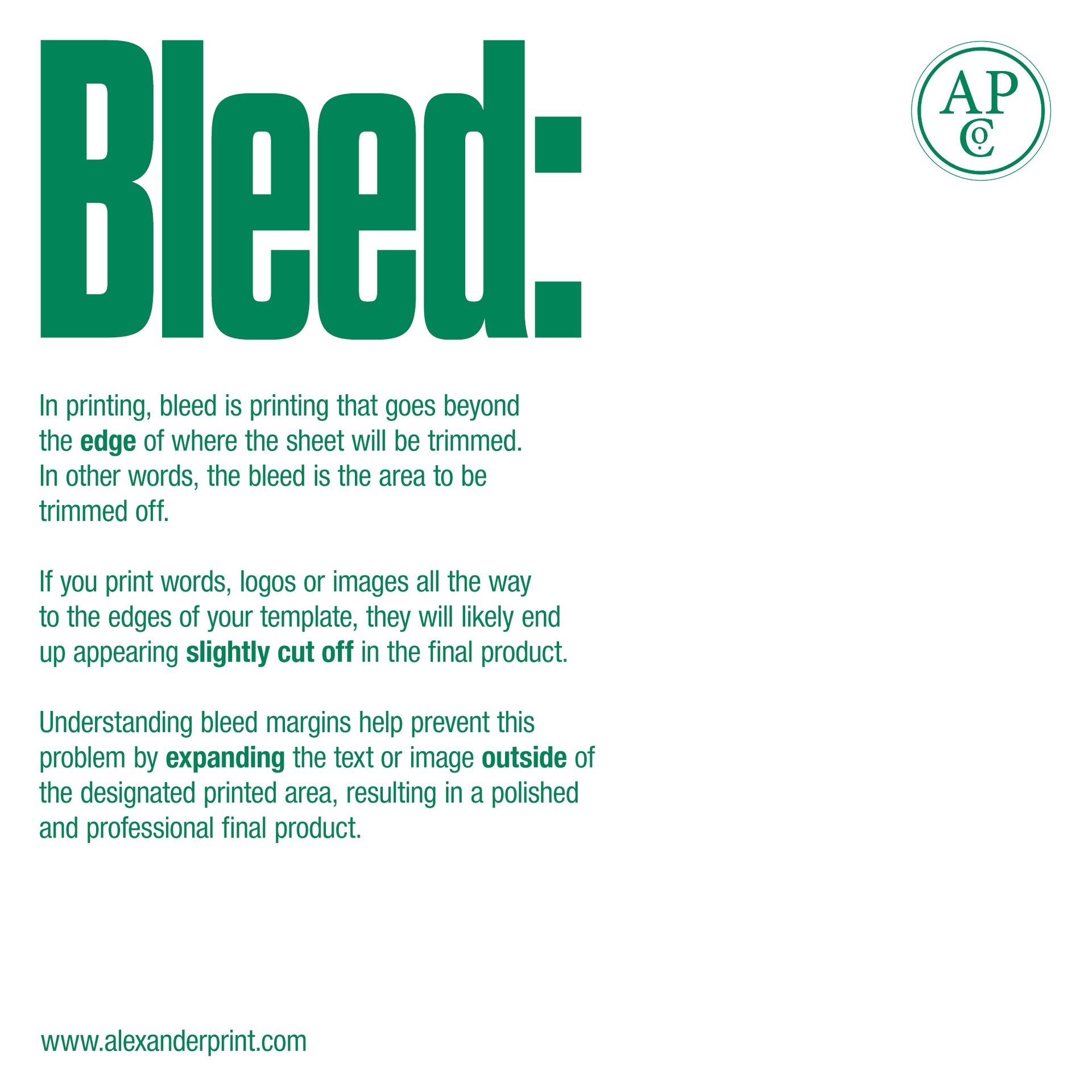
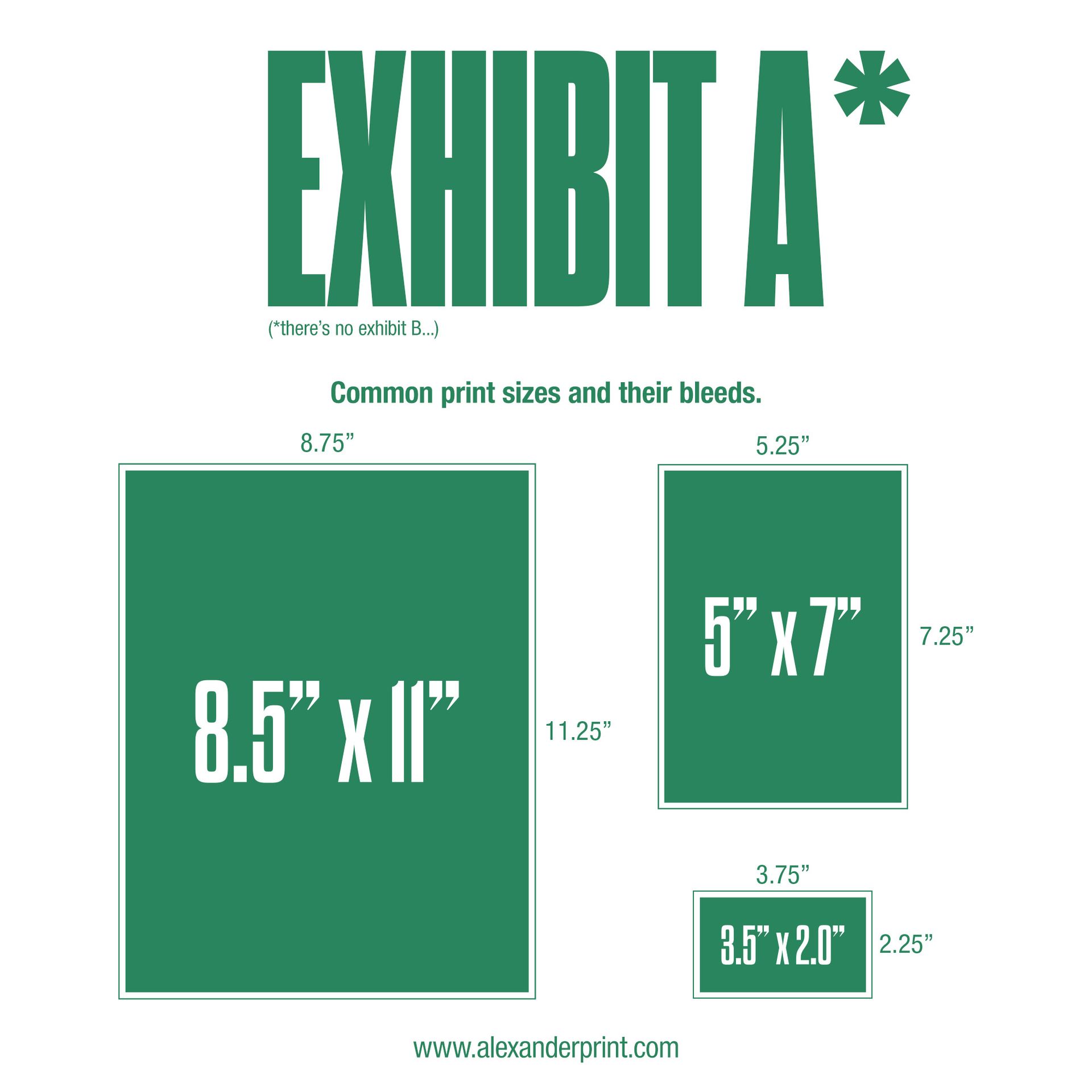
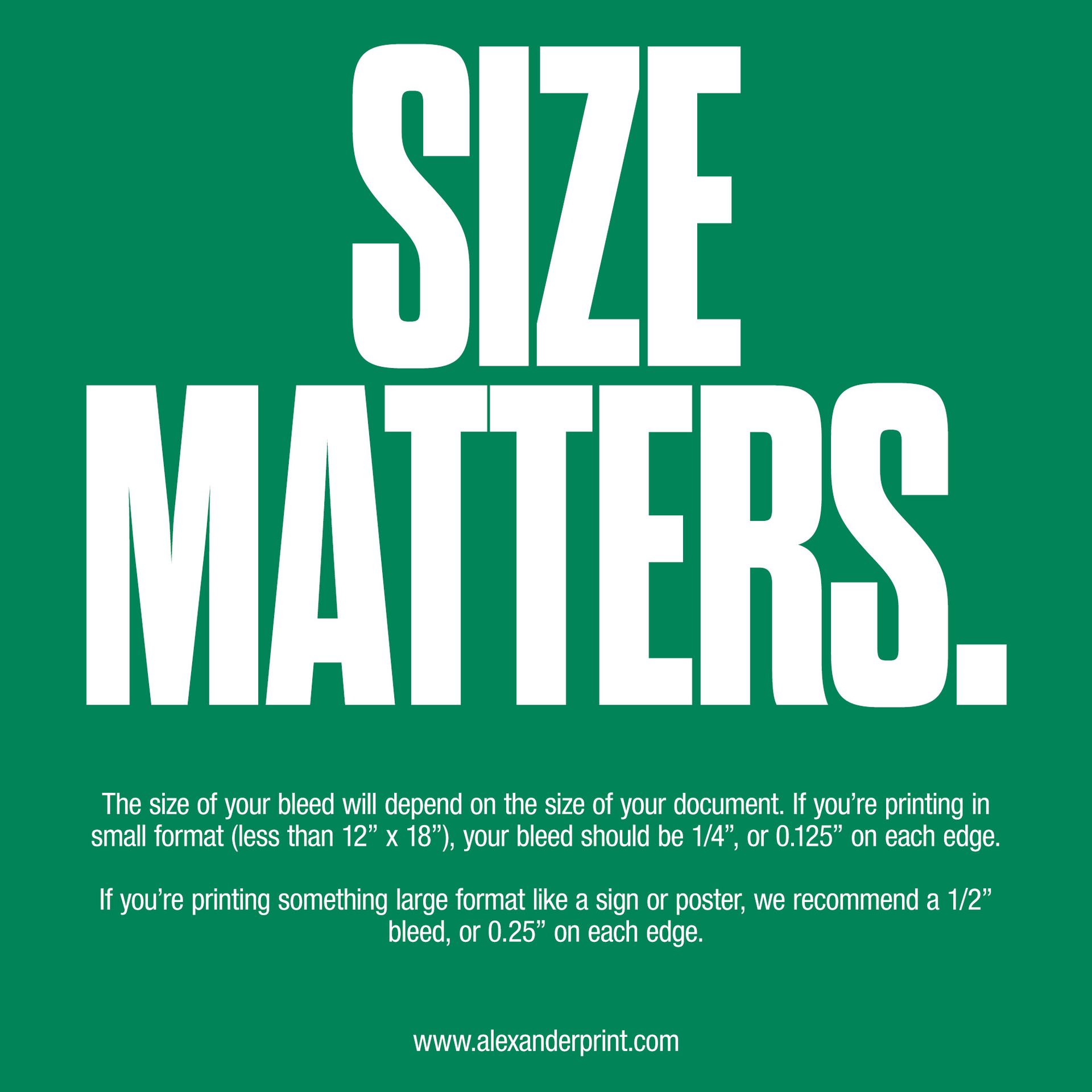
BLEED IS EXTRA SPACE (USUALLY ⅛") AROUND YOUR DESIGN THAT GETS TRIMMED OFF. IT ENSURES COLOR OR IMAGES GO ALL THE WAY TO THE EDGE WITH NO WHITE BORDERS.
VECTOR ART
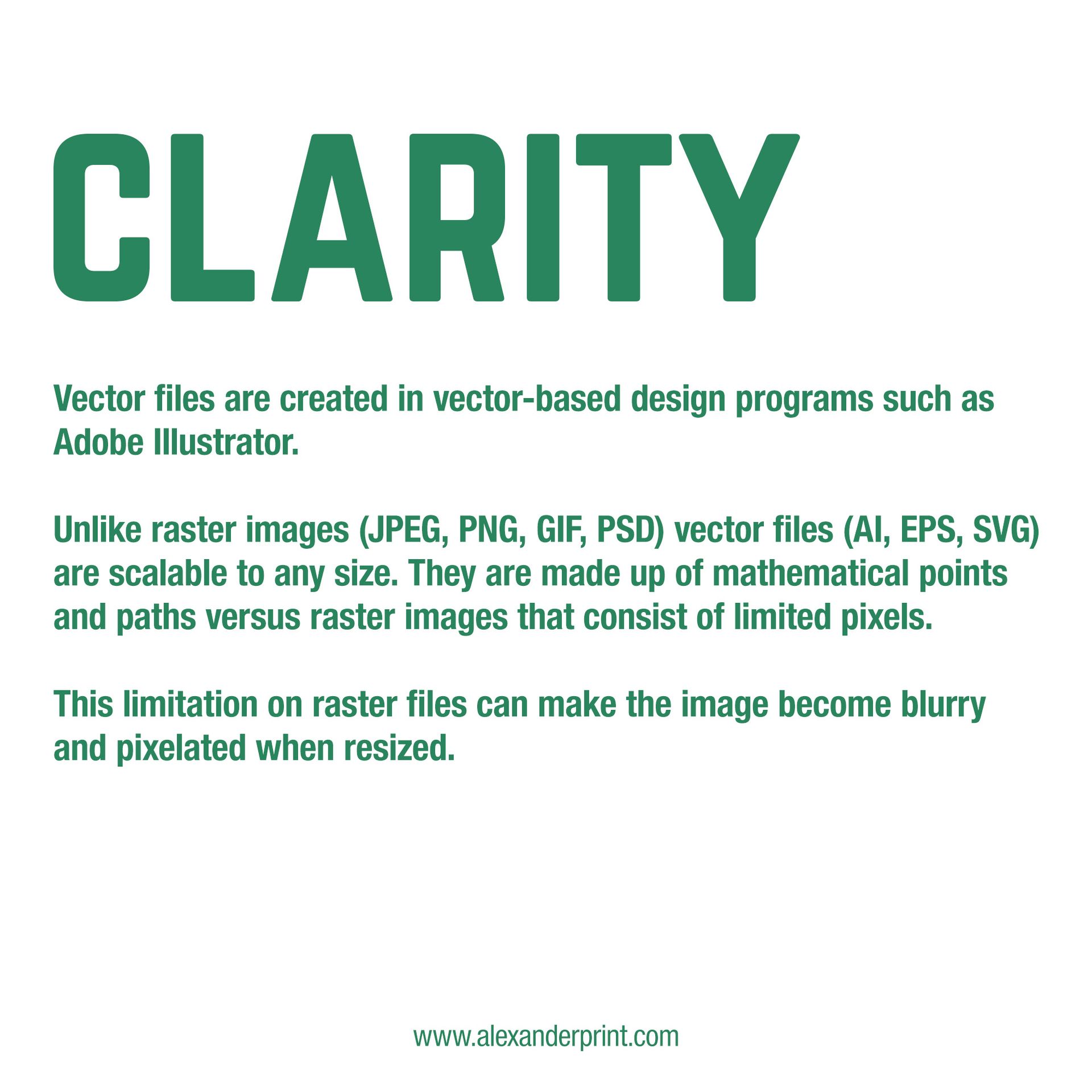
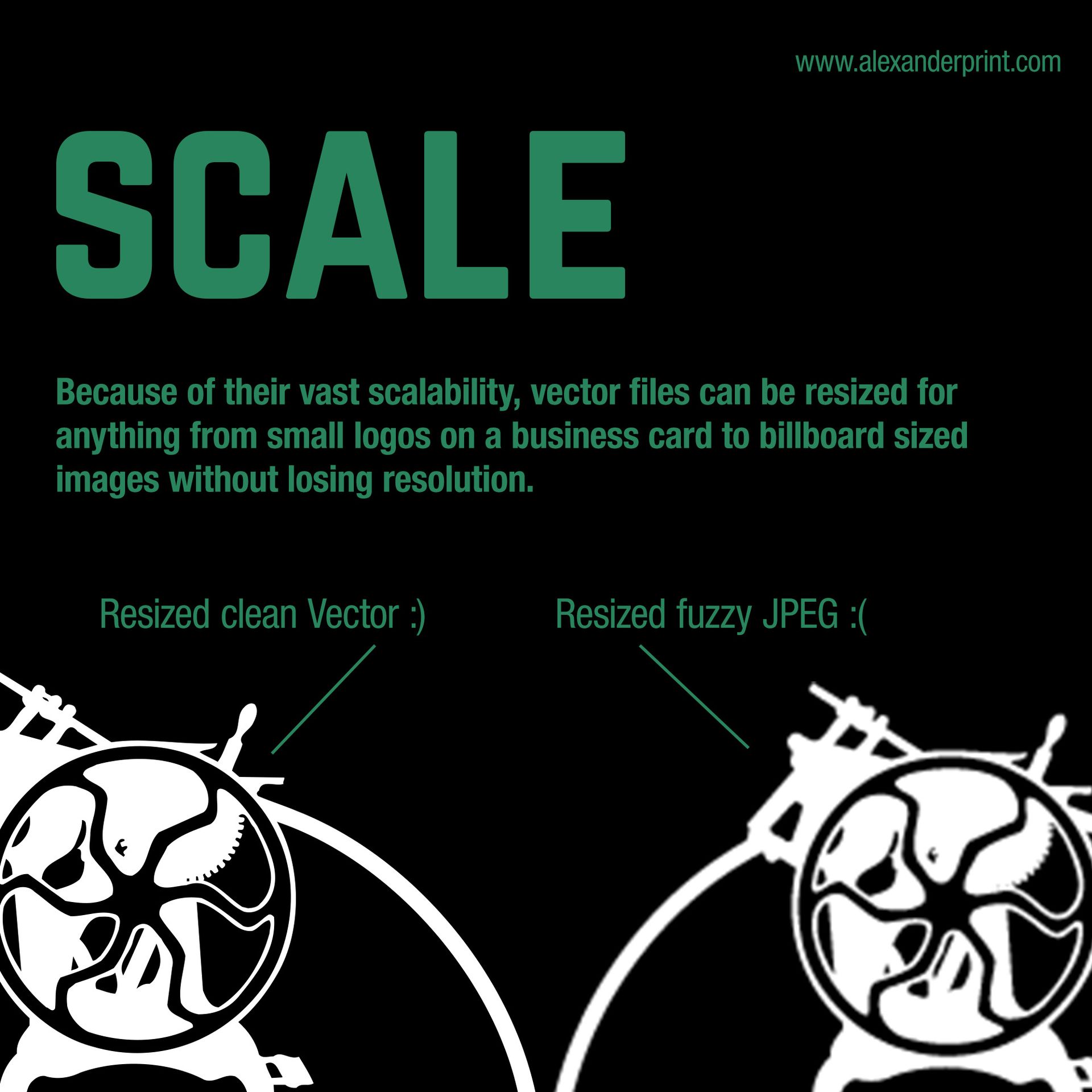
VECTOR ART IS MADE OF LINES AND SHAPES, NOT PIXELS, SO IT STAYS SHARP AT ANY SIZE. COMMON VECTOR FILE TYPES INCLUDE .AI, .EPS, AND .SVG.

IMAGE RESOLUTION
FOR BEST PRINT QUALITY, IMAGES SHOULD BE 300 DPI AT ACTUAL SIZE. LOW-RES FILES MAY LOOK BLURRY OR PIXELATED. WE CANNOT EDIT LOW-RES FILES TO APPEAR SHARPER.
PRESS QUALITY
PRESS-QUALITY PDFS WITH BLEED, CORRECT COLORS (CMYK OR SPOT), AND FONTS OUTLINED OR EMBEDDED. THIS ENSURES YOUR JOB PRINTS CLEANLY AND ACCURATELY.
PREFERRED FILE FORMAT
- Press quality PDF
- Crop marks
- Bleed .125" (if applicable)
- No color bars
- No registration marks
CREATING PRESS QUALITY PDFS
- When creating a new document (InDesign, Illustrator)
- Set the bleed to .125"
- Design images intended to go to the edge of the paper by extending art to the .125" bleed
- Export the pdf as
- Press Quality
- Marks and Bleed Tab
- Check the box for Crop Marks
- Check the box for Bleed and Slug "Use Document Bleed Settings"
- Export
IMAGES
- Color and Grayscale images to 300 DPI if over 450 DPI
- Monochrome images to 1200 DPI if over 1900 DPI
LOGOS
Vector format
- .ai, .eps, or SVG
- artwork that has been created as vector in illustration (Illustrator) software saved as a pdf
- Review the images below for more information
Additional information on bleed set up
BLEED
VECTOR